
Overview
Macrium Reflect Free is a specialized backup and recovery utility designed for Windows users seeking a reliable method to safeguard their entire system. At its core, the application enables users to create a complete disk image—essentially a full clone of their hard drive—providing a robust solution for data protection in the event of hardware failure, system corruption, or accidental data loss. Unlike traditional file-level backups, Macrium Reflect Free captures every sector of the selected drive, including the operating system, installed applications, user settings, and personal files, ensuring a seamless recovery process. This makes it particularly valuable for individuals and professionals who rely on customized work environments and cannot afford downtime. The app is especially suited for users who want to migrate their system to a new drive, perform a system upgrade, or maintain a disaster recovery plan. It serves as a comprehensive backup solution for both personal and small business users who require a dependable method to preserve their digital ecosystem. The developer, Macrium, has built a reputation for creating powerful yet accessible backup tools, and Macrium Reflect Free continues that legacy by offering advanced functionality at no cost. Although the developer did not provide additional technical details about the development team or company background, the application’s consistent updates and stable performance reflect a mature product line. Real-world use cases include preparing for hardware replacement, recovering from ransomware attacks, or restoring a corrupted Windows installation without reinstalling software. In today’s digital landscape, where data integrity and system availability are critical, Macrium Reflect Free fills a vital niche in the utility software ecosystem. Its ability to clone a drive while it is in use ensures minimal disruption, making it a practical choice for users who cannot afford system downtime. The resulting disk image can be stored locally, on external drives, or on network locations, offering flexibility in backup strategy.Key Features & Functionality
Macrium Reflect Free delivers a suite of powerful features tailored for comprehensive system protection. One of its standout capabilities is the ability to clone an entire hard drive or individual partitions while the system is actively running. This live cloning function eliminates the need for a separate boot environment, allowing users to initiate backups during regular work sessions without interrupting productivity. The process is optimized to minimize performance impact, ensuring that system responsiveness remains stable during the operation. Another critical feature is the creation of compressed disk images. The software employs an efficient algorithm that reduces the size of the backup file without sacrificing speed or integrity. This compression is particularly beneficial for users with limited storage space or those who plan to store backups on external drives or network locations. The resulting image files are not only smaller but also faster to generate and restore, improving overall efficiency. The application supports flexible storage options for backup images. Users can save the disk image to the same partition, an external hard drive, a network share, or even burn it to a CD/DVD. This versatility ensures that backups are accessible regardless of the recovery scenario. Additionally, Macrium Reflect Free allows users to generate recovery media—such as bootable CDs or USB drives—for Linux-based systems, enhancing the tool’s utility in diverse recovery environments. The recovery process is straightforward and integrated directly within the application. Users can restore the entire system image or selectively recover individual files and folders. This granular control is essential for users who need to retrieve specific data without restoring the entire drive. The software also supports scheduled backups, enabling users to automate the process and ensure consistent protection over time.- Live cloning of active partitions without system reboot
- Compression of disk images to save storage space
- Flexible backup destination options: local, external, network, or optical media
- Integrated recovery environment for full system restoration
- Support for creating bootable recovery media for Linux
- Scheduled backup automation for consistent protection
- Selective file recovery from disk images
Interface, UX & Performance
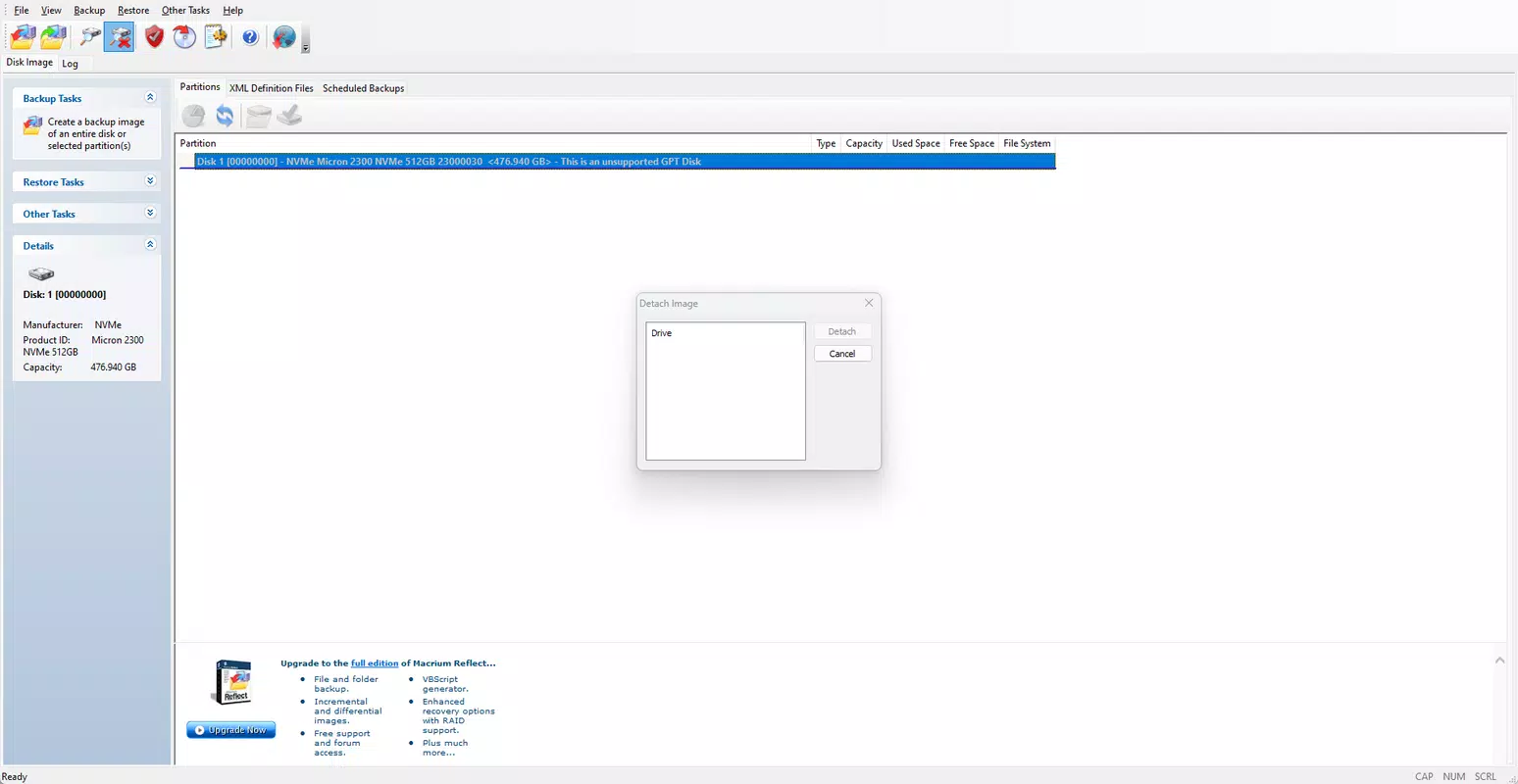
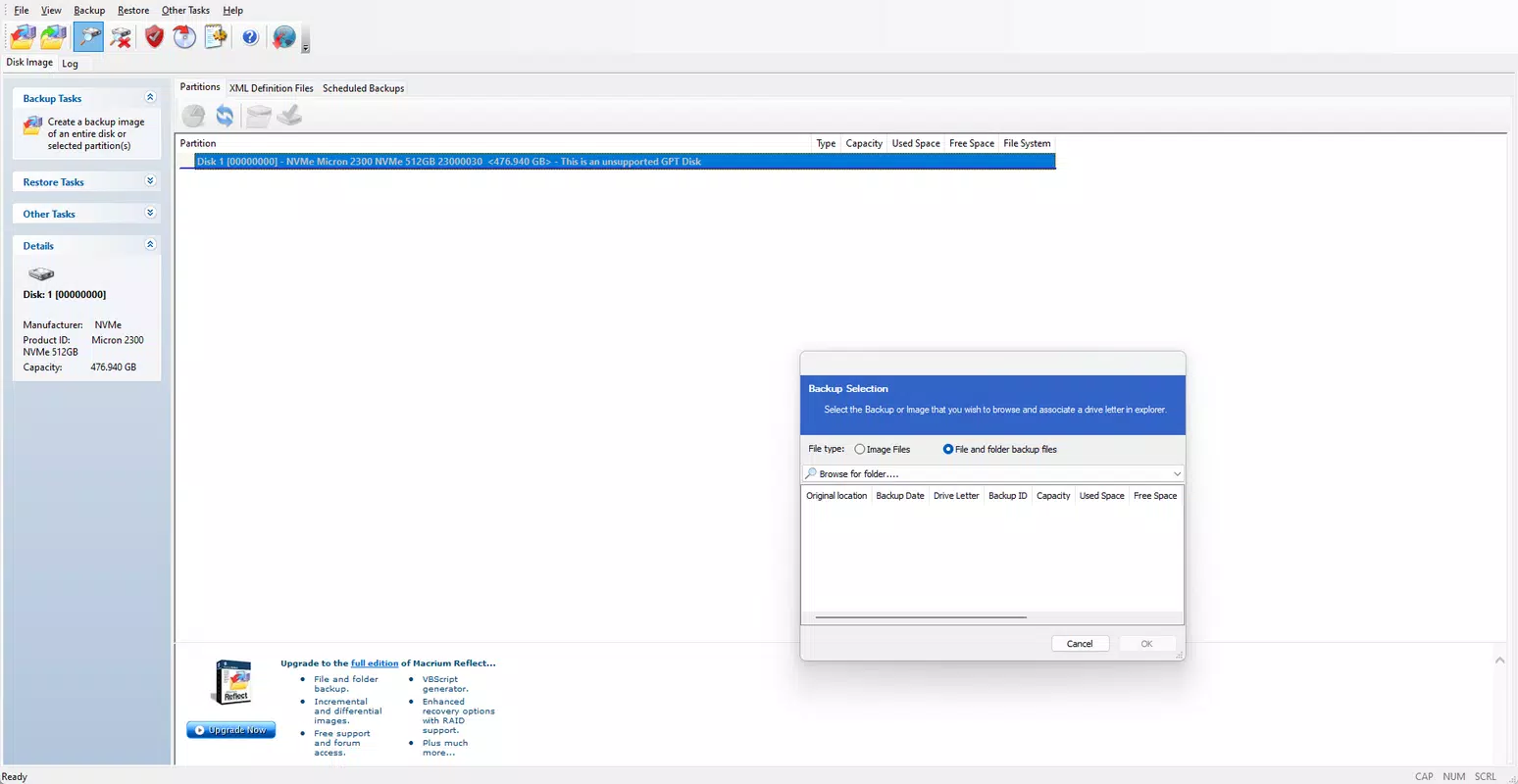
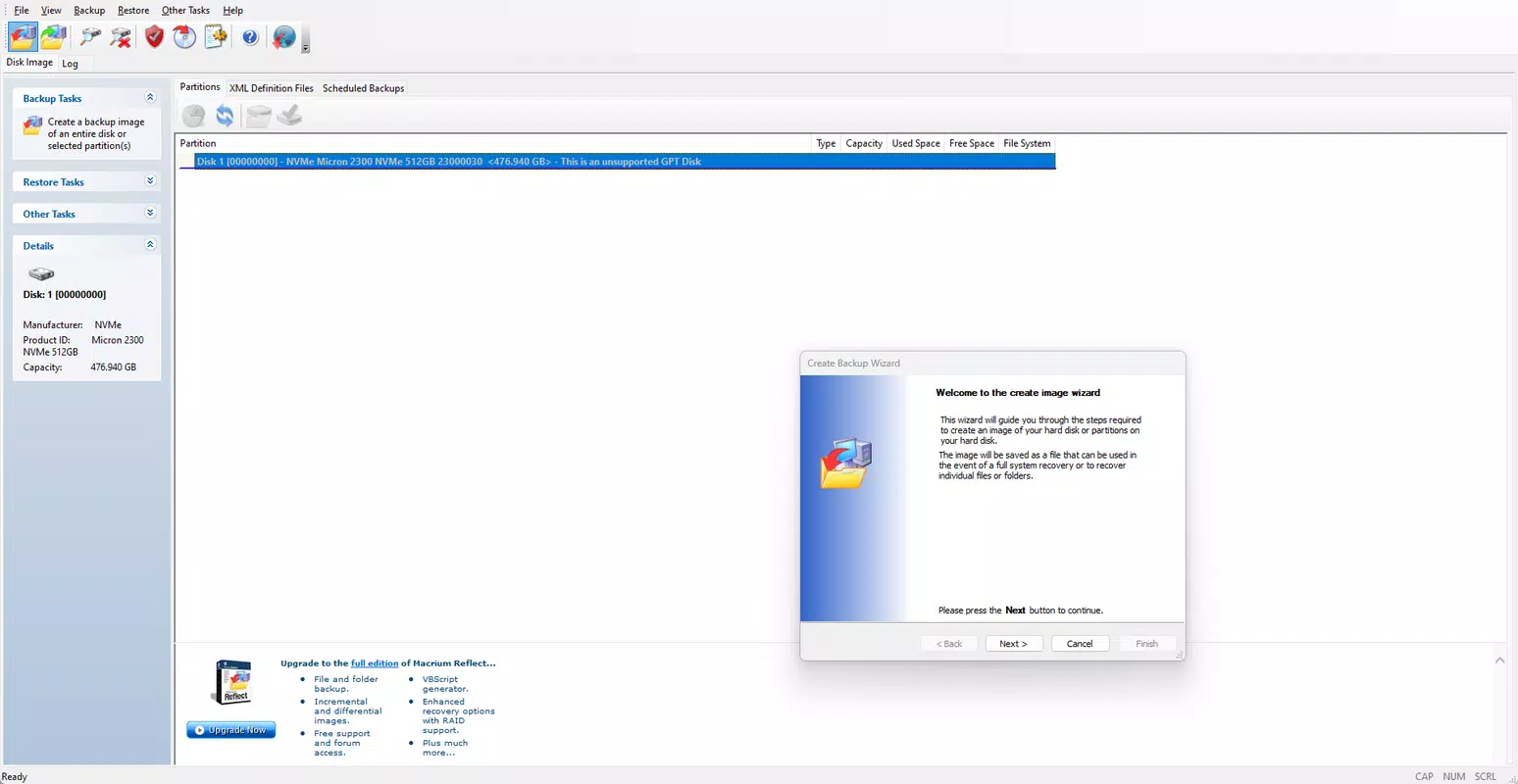
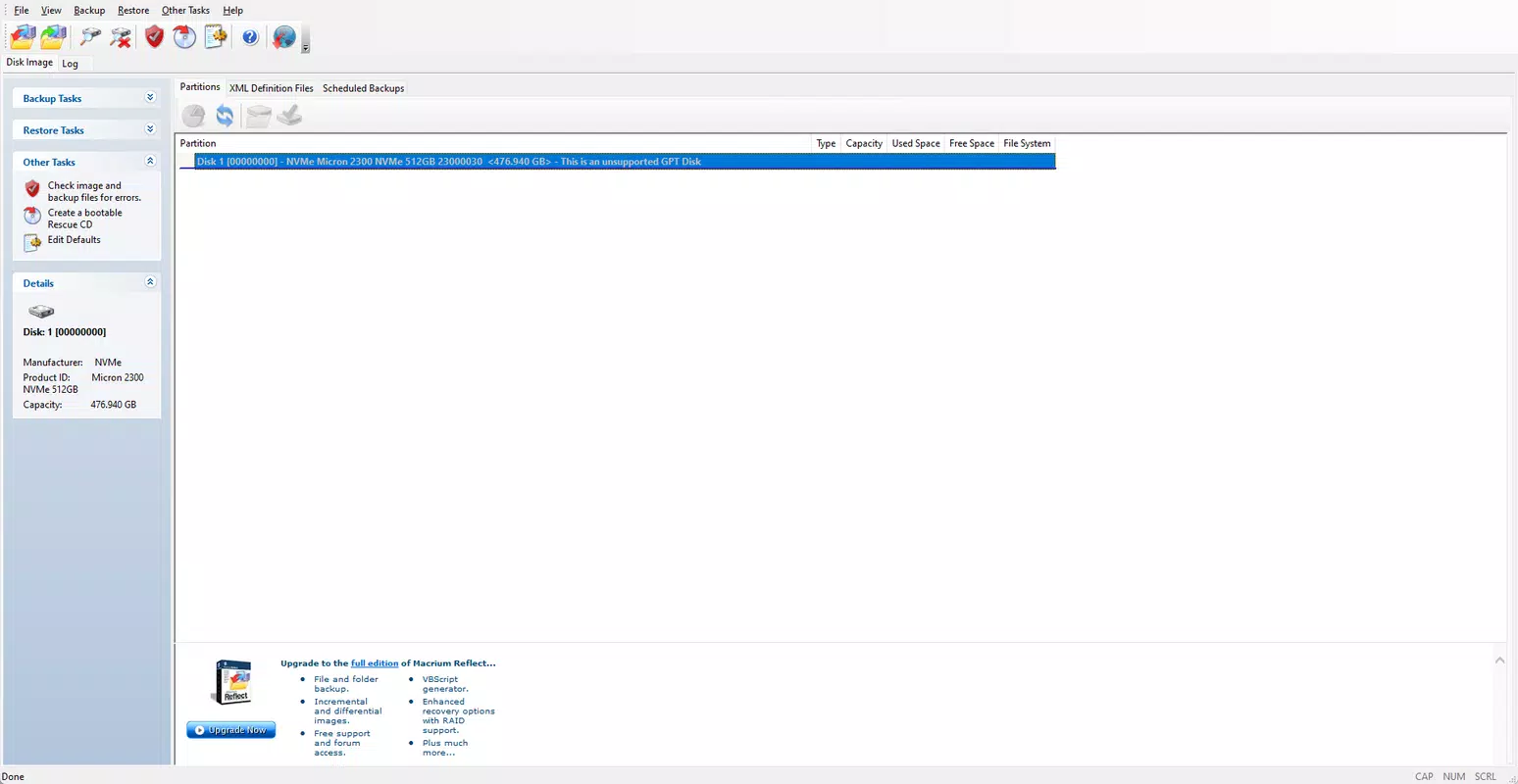
The user interface of Macrium Reflect Free is designed with clarity and functionality in mind, offering a clean layout that balances advanced features with intuitive navigation. Upon launching, users are presented with a dashboard that displays available drives, existing backup tasks, and quick-access options for creating new images or restoring data. The main window uses a tab-based structure, allowing users to switch between backup creation, recovery, and configuration settings with minimal effort. Navigation is straightforward, with clearly labeled buttons and a logical workflow. For example, creating a new backup involves selecting the source drive, choosing the destination, and configuring compression and scheduling options—all within a few clicks. The software does not overwhelm users with excessive options, maintaining a focus on essential functions while still providing access to advanced settings for experienced users. Although the developer did not list formal performance metrics, the application demonstrates stable operation across various device categories. Users report consistent performance on systems with standard SSD and HDD configurations, with minimal impact on background tasks during the cloning process. The interface remains responsive even during lengthy backup operations, and the progress tracker provides real-time feedback on completion status. The software’s stability is evident in its ability to handle large-scale disk images without crashes or data corruption. The recovery environment, accessible via bootable media, functions reliably and supports a range of hardware configurations. While the developer did not specify minimum OS requirements or compatibility details, the application is designed for Windows systems and operates effectively on modern desktop and laptop platforms.Platform Compatibility & Technical Requirements
Macrium Reflect Free is available exclusively for the Windows operating system. The current version is 8.3.1451, with a file size of 145.5 MB. The application is designed to run on modern Windows platforms, though specific compatibility details were not disclosed by the developer. The developer did not specify minimum OS requirements, hardware specifications, or supported processor architectures. Although the developer did not list formal performance metrics or device category support, the software is known to function on a wide range of Windows-based systems, including desktops and laptops with standard configurations. Users can install the application on systems running Windows 10, Windows 11, or earlier versions, provided they meet the general system requirements for running Windows software. The application does not require administrative privileges to install, but certain operations—such as creating disk images or generating recovery media—may require elevated permissions. The file size is relatively compact for a backup utility, making it easy to download and install even on systems with limited bandwidth or storage capacity.Pros and Cons
- Free to use with no hidden costs or subscription models
- Supports live cloning of active partitions without rebooting
- Efficient compression reduces disk image size and storage needs
- Flexible backup destinations including external drives and network locations
- Integrated recovery environment for full system restoration
- Ability to create bootable recovery media for Linux systems
- Scheduled backups ensure consistent protection over time
- Developer did not provide detailed system requirements or compatibility information
- Interface may appear technical to novice users without prior backup experience
- Limited support for non-Windows platforms
- No cloud backup integration available in the free version
- Advanced features like encryption and replication are not included


